
We will review your shipping model and tell you what to automate first
Where requests come from, how routes are planned today, who maintains the statuses and which programs your data already sits in.
While there are few shipments, they are held in someone's head, in a spreadsheet and in chat. As volume grows this stops working: only the driver knows where the cargo is, and only the person who took the request knows who promised what to whom. Logistics software removes that way of working: the request, the route, the cargo and the delivery status become records in one system, and the dispatcher sees them on one screen. Below is how it works — from a request arriving to confirmation of receipt.
A logistics management system — software that keeps track of shipments: it takes requests, assembles routes from them, assigns performers, follows the movement of cargo and stores the history of what happened to every delivery.
The difference is clear from a single example. Without a system a request lives in a messenger, the route lives on a sheet of paper on the dispatcher's desk, and the state of the cargo lives in the driver's head. Answering a client asking where my cargo is means calling three people. Nobody knows how many vehicles are loaded for tomorrow, because that figure has never been calculated anywhere.
In a system all of the same things are records. A request has a number, a sender, a recipient, a deadline and a current state. A route has a list of stops, a visiting order and a performer. Cargo has a status that changes through an action in the software rather than through words. Answering where the cargo is takes seconds and does not depend on who is on shift today.
An example. A client submitted a transport request on Thursday. An operator checked the address and the dimensions and put the request into Friday's route, and the system assigned it to a driver along with six other stops. In the morning the driver opened the task list and marked the pickup; in the evening, the delivery. Meanwhile the client's status was changing, and by Friday evening the company had a summary ready: how many stops were covered, how many were on time and which delivery went wrong.
Logistics automation begins where the answers to three questions no longer fit in the dispatcher's head: how many requests are in progress right now, where a particular consignment is, and why two deliveries slipped to the next day yesterday.
The link works both ways: the task travels left to right, the performer's marks and events come back. A delivery counts as having happened not when the driver leaves the address but when receipt is confirmed. Without that step the system would report what it believes about its cargo rather than what actually happened.

Software does not drive the vehicle and does not replace the dispatcher. It removes the manual work around a decision: it gathers requests in one place, shows the workload, keeps a stop from being lost and records every change. The decision on who gets the urgent order and whether to wait for a late client stays with a person — but it is made on the full picture rather than from memory.
In just the same way, the system does not know traffic and weather on its own: any external data reaches it through an integration, and its scope is determined by the project.
Request tracking is what moves into the system first — not routes and not maps. The reason is simple: while requests live in chat, any route is built from an incomplete list and any report is calculated from whatever somebody remembered to write down.
What follows is not a feature list but six problems that logistics gets automated for in the first place. Each one is stated the same way: what happens without software and what changes with it.
Without a system a request arrives in a messenger, by email and by phone, and its fate depends on whether anyone wrote it down. In a system every request is a record with a number, an author and a deadline: it is either in progress or closed, and there is no third state. A lost request becomes visible immediately rather than when the client calls.
The dispatcher sees every stop for tomorrow as a list: addresses, time windows, dimensions. Stops are assembled into routes, and a route gets a performer and a visiting order. A forgotten stop does not quietly slide into the next day — it stays unassigned and is visible on a separate list.
How many stops are already assigned to a vehicle, how much room is left by weight and volume, which drivers finish their shift in an hour. Without those figures the load is distributed by eye, and one vehicle leaves half empty while another cannot make it round by evening.
The delivery state is changed by whoever performs it, at the moment of the action. The dispatcher, the manager and the client all look at the same record. Where is my cargo stops being a job for three people.
Who accepted the cargo, when and on what grounds is a record in the system rather than a recollection. A signature, a photograph or a confirmation code is attached to the specific delivery. The we delivered it — no you did not argument is settled by opening a card, not by an inquiry.
Delays, cancellations, returns and failed deliveries become separate events with a reason. By the end of the month what you see is not these things happen but a specific list: how many failures, on which routes and what caused them.
The system is assembled from modules. Not every company needs all of them: a city delivery service does not need intercity trip tracking, and a manufacturer with its own fleet does not need an order exchange. The composition is determined by the task, but the modules are designed to fit together in advance rather than being bolted on later.
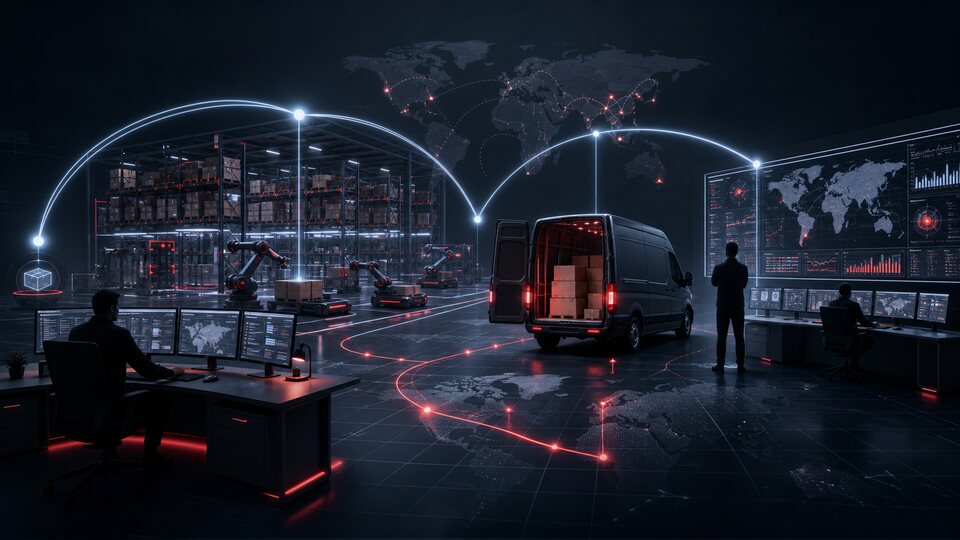
The system's entry point: a transport request with a sender, a recipient, the cargo contents, a deadline and conditions. Requests arrive from a manager, from the client's own account or from an external system through the API — and from then on they all live by the same rules.
Assembling stops into a route, the visiting order, assigning a vehicle and a performer, changing the route during the day. A route is an accounting object just like a request: it has a date, a state and a change history.
What exactly is being carried: items, weight, volume, packaging, special conditions. Cargo is linked to the request, the route, the documents and the current status, so any one of them restores the others.
A directory of vehicles and people: payload, body volume, vehicle type, working hours, service area. This is where the workload comes from — how many more stops can be put on this vehicle today.
The employee's workplace: active deliveries, routes, performers, statuses, delays and problem orders on one screen. It opens in a browser, with nothing to install.
A finite set of delivery states and the rules for moving between them. Every change is an event with an author, a time and a reason; the events add up to the history a failure is later investigated from.
The seam with picking and dispatch: what has been picked, what is prepared for handover, what was actually handed to the driver. Without it the warehouse and delivery live in two separate sets of records and diverge by lunchtime.
The driver's and courier's app or mobile interface: the task list, addresses, the visiting order, cargo details, status changes, confirmation of pickup and delivery, contact with the dispatcher.
Messages to the client and to the employee: request accepted, cargo picked up, courier on the way, delivery rescheduled, delivery failed. The message delivery channels are chosen during rollout and connected through integrations.
Request operator, dispatcher, warehouse worker, driver, manager. Changing a route, cancelling a delivery, editing an address and access to recipients' personal data are separate rights, not one general employee bundle.
Number of deliveries, the share completed on time, vehicle and staff utilization, route efficiency, the list of problem orders. Reports export to a file and can be built on a schedule.
The system's external interface: create a request, check a status, get a route, submit a delivery confirmation, pull the log. It is how the online store, CRM, ERP and the warehouse system connect.
A transport request — a document that records what needs to be delivered and where, by what deadline, at whose expense and on what terms. Everything that follows — the route, the performer, the statuses, the documents — is tied to its number.
A request enters the system in one of three ways: a manager creates it, the client fills it in themselves in their own account, or another company system passes it in through the API. The source differs; the path afterwards is the same — otherwise some orders would develop their own unspoken processing order.
Verification — a separate step, not a formality. The system checks whether the mandatory fields are filled in, whether the recipient is in the directory, whether the cargo fits within the permitted dimensions and whether the deadline is achievable. A questionable request does not slip quietly into a route: it stays on the clarification list with a clear reason.
What a request contains:
Assignment to a delivery — the moment a request stops being an intention and becomes work. It goes into a specific day's route, it gets a performer, and the performer gets a task on their list. From that moment the request is visible in the dispatch panel, in the driver's app and in the client's history.
Some edits change the plan for the day: a new address may fall outside the route, and an increased weight may not fit the assigned vehicle. Such a request is not edited quietly — it goes back to the dispatcher for replanning together with the reason.
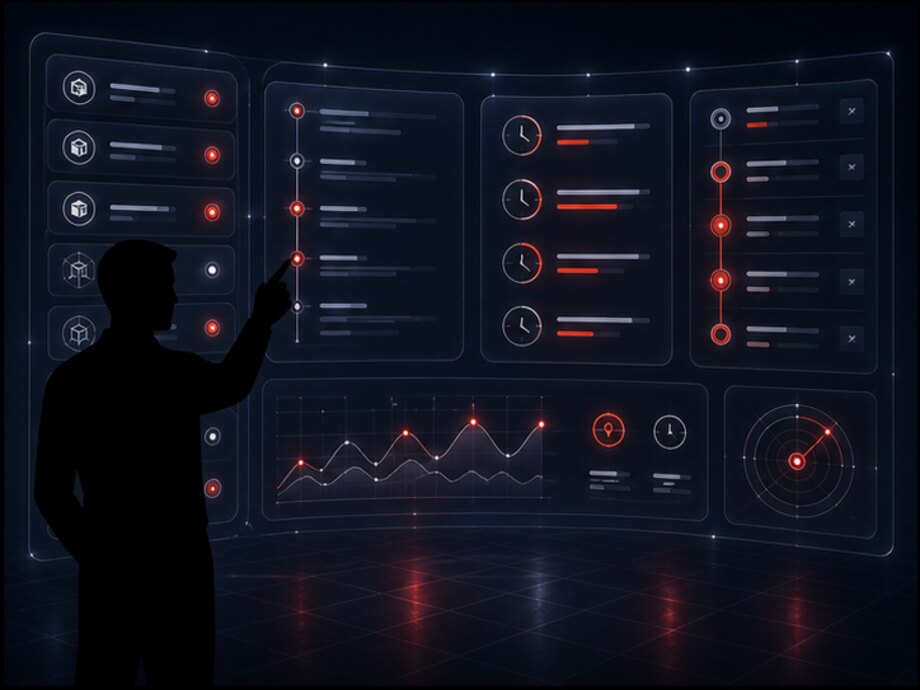
A screen from the system; the data is illustrative. The fifth step matters: the pickup is marked by whoever physically takes the cargo. If a dispatcher marks it because someone called, the system starts describing not the shipment but an account of it.
Editing is a managed operation, not free-form changes. Changing an address, a deadline or the cargo contents preserves the previous version and leaves a trace: who changed it, when and what exactly. Otherwise investigating a disputed delivery runs into the question of what the address was in the first place.
Route — a list of stops that one performer covers in a shift, together with the visiting order. A stop is a specific action at an address: pick cargo up, deliver cargo, collect a return.
Creating a route starts from the unassigned requests for the chosen date. The dispatcher sees them as a list: address, district, the recipient's time window, weight and volume. Stops are assembled into a route by hand or by a rule — all deliveries in this district for tomorrow, for example — and the route immediately shows the total weight, volume and number of stops.
The sequence of stops is set explicitly and stays visible to everyone: to the dispatcher in the panel and to the driver in the app. The order is changed by dragging a stop, and the system recalculates the route's load and warns about a conflict — when a stop with a by 12:00 window ends up eighth in line, for example.
Assigning a performer — tying the route to a driver or courier and to a vehicle. The system takes payload and body volume into account: a route that does not fit the assigned vehicle is flagged before departure rather than discovered at loading.
Changing a route happens during the day, and that is a normal scenario, not an emergency. A stop can be added, removed, moved to another route or to another day. The performer sees the change on their list, and the route history keeps a record: what changed, who changed it and at what time.
Monitoring execution — comparing plan against fact: how many of the route's stops are closed, how many are left, where the performer departed from the visiting order, which stops have run past their time window. A route is closed when all of its stops are closed — including those that ended in a failed delivery.

Automatic optimal route building is a separate module, not a built-in function of the tracking system. It makes sense to treat it as an implementation option: it requires a source of road data, calculation rules and verification against the company's real trips.
The possible options range from simply ordering stops by zone and time window to calculation through an external mapping service. What exactly gets connected and what data it runs on is determined during discovery: declaring ready-made optimization in advance would be a promise rather than a description.
The basic layer works without it: stops, sequence, performer and execution monitoring do not depend on whether the stops were arranged by a person or by an algorithm.
A route has a date, a performer, a vehicle, a state and a change history — just like a request. That is why the question of why that address slipped from yesterday to today is settled from the route record rather than from what the shift remembers.
| № | Location | Action | Window | Items | Weight | State |
|---|---|---|---|---|---|---|
| 1 | Warehouse, Promyshlennaya St. | Cargo pickup | 08:00–09:00 | 14 | 310 kg | done |
| 2 | Tsentralny store | Delivery | 09:00–12:00 | 4 | 86 kg | done |
| 3 | Client's office, 4th floor | Delivery | 10:00–13:00 | 2 | 18 kg | in transit |
| 4 | Pickup point, Asanbay district | Delivery | by 18:00 | 6 | 142 kg | waiting |
| 5 | Vostochny store | Delivery + return | 14:00–17:00 | 2 | 64 kg | waiting |
The visiting order is visible to the dispatcher and to the driver alike, so we swapped them round never turns into an argument. Line 3 will not be closed until the performer marks the result: carrying up to a floor is a classic place for a delivery to run late, and the system should hear about it from whoever is standing at the door.
Cargo — what physically moves. In the system it is a separate record linked to a request: one request can carry several cargo items, and one trip can carry the cargo of several requests.
The separation is not there for the sake of bookkeeping rigor. It is at cargo level that the most frequently asked questions are answered: how many items went out, did they all arrive, which one is damaged, what came back.
Every change in cargo state is an event with a time and an author. That is why the history of a shipment can be reconstructed in full: when the cargo was picked up, where it was handed between performers, when it was given to the recipient and who confirmed that.
Handover between performers — a separate operation, not a side effect. Cargo travelling from the warehouse to sorting and from there to an address changes hands at least twice. Every handover is recorded explicitly; otherwise, when something goes missing, the stretch where it was lost cannot be named.
This is also where the answer to who is at fault comes from — not in the sense of finding a culprit but in the sense of a stretch of the journey. Damage discovered by the recipient is tied to the leg on which the cargo was registered to a specific performer.
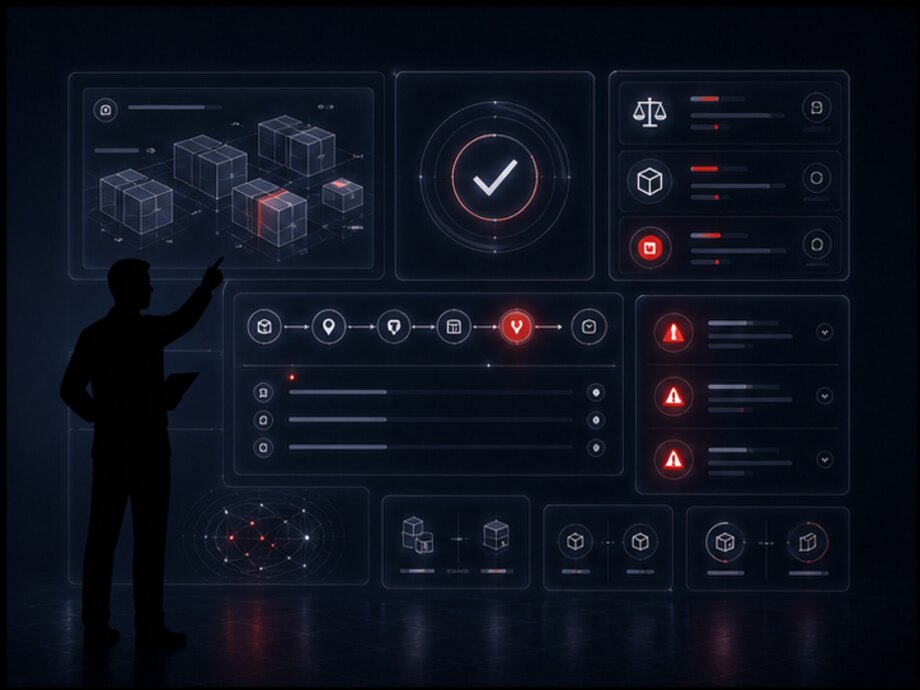
The delivery note, the handover certificate, a photograph of the packaging and the recipient's signature live next to the cargo. A document is linked to the cargo and to the request at the same time, so it can be found from the client's side and from the trip's side — with no need to search through chat.
A photograph at acceptance and at handover is the cheapest way to close a damage dispute: it was taken at a known moment by a known person and sits in the same card as the recipient's signature.
One request can carry several items, and one trip can carry the cargo of several requests. As long as this is a single record, every partial case — three items out of five accepted, one returned — has to be described in words in a comment.
The mandatory fields are the minimum without which cargo cannot be placed in a route. The rest is configurable: furniture transport and document delivery have different sets of meaningful fields, and forcing people to fill in what is not needed is a sure way to end up with a directory full of dashes.
A status is not a caption on a screen but a state that determines which actions are permitted. The set of states is finite: until it is named explicitly, every employee understands in progress in their own way and there is nothing to build a report from.
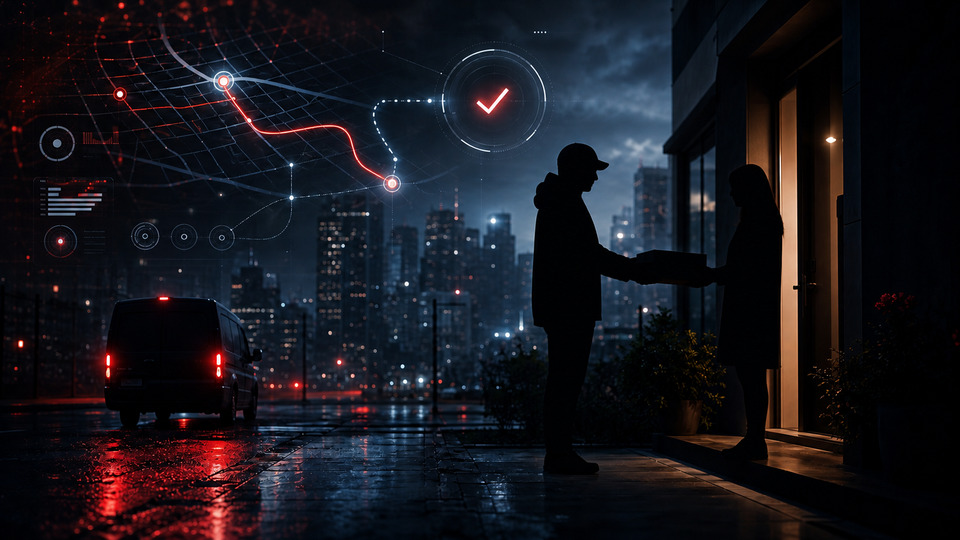
The order matters exactly as it stands. Every transition is performed by whoever carried out the action, at the moment of the action — otherwise the system shows not the state of the shipment but the dispatcher's intention. Intermediate states (at sorting, handed to a subcontractor) are added to fit the company's process, but the set stays finite and explicit.
| What happened | What the system does | State |
|---|---|---|
| Delay: the recipient's window is running out | Flags the stop as overdue, shows it to the dispatcher on a separate list, prepares a notification to the recipient about rescheduling | investigation |
| The client cancelled the order before dispatch | Closes the request with a cancellation reason, removes the stop from the route and returns the cargo to warehouse stock | normal |
| The client cancelled the order while the cargo was in transit | Does not close the delivery quietly: it moves it into a return and adds a return stop to the performer's route | investigation |
| The recipient is not there | Records a failed delivery with a reason and the performer's comment, leaves the cargo with them and raises the question of a repeat attempt | investigation |
| The recipient accepted the cargo in part | Splits the delivery: the accepted items are closed, the refused ones go into a return as a separate record | investigation |
| The cargo was damaged in transit | Opens an event with photographs and the person responsible at the moment of damage, and does not allow the delivery to be closed as an ordinary one | investigation |
| The performer did not turn up for their shift | Frees their route for reassignment and shows the dispatcher every affected stop in one list | warning |
The general principle: an unsuccessful outcome does not disappear and does not turn into a successful one. The delivery stays open and goes into the investigation queue — that is cheaper than a report with no problems in it because there was nowhere to record them.
Which exceptions a company actually needs is decided during discovery. Furniture transport needs returns and damage investigation; document delivery needs repeat attempts and verification of the recipient's identity. The set of states is configurable, but the rule stays the same: every delivery ends with a reason, and the reason goes into the report.
Operations dashboard — the workplace the day is run from. Its job is not to show data but to gather onto one screen everything that needs a decision right now, and not to show the rest.
That is why the panel is built like a shift desk: what is urgent at the top, the overall picture of the day below it, history and reference data deeper down. An employee does not have to remember where things are in order to answer a client's call.
What the panel shows:
Access permissions separate the panel by role. A dispatcher sees their own region, a manager sees every direction, a call center operator sees statuses and contacts but not financial data.
The separation is set by role, not by a set of checkboxes for each employee. Otherwise within six months a new person's rights are configured the same as Ivanov's, and nobody can say any more what exactly they have access to.

A screen from the system; the figures are illustrative. The order of the tiles is not accidental: what comes first is not the total volume but what needs a decision. Unassigned requests come last, because that is the one tile the dispatcher closes themselves and closes completely.
The history is not an archive kept just in case but an investigation tool. Records are not edited: a correction is entered as a new record. That is why the question of who moved the delivery to tomorrow has an answer rather than several versions.
It is usually read from one of three ends: by request — what happened to it; by performer — what they did during the shift; by route — how it changed over the day.
The warehouse and logistics are not two departments with a shared chat but two stages of one process. Cargo that is picked but not handed over and cargo that is handed over but not marked are two different states, and confusing them is expensive.
A single digital process means one thing: every transition between the warehouse and delivery is recorded by an action, not by a message. The warehouse worker marks the picking, the driver marks the acceptance of the cargo, the recipient marks the receipt. Between those marks the cargo is always registered to a specific stage.
What the seam gives the warehouse: it can see what has already left and what has been standing in the dispatch area for a second day. What it gives logistics: a route is not planned around cargo that has not been picked yet, and a driver does not arrive at the gate before there is anything to load.
Full warehouse accounting — goods receipt, put-away, stocktaking, batches and expiry dates — is the subject of a separate page. Only the seam is described here: what the warehouse passes to logistics and what it gets back.
The fourth transition is the only one where the cargo changes hands. That is exactly why it is processed as a separate operation with two sides: the warehouse handed over, the performer accepted. If this step is skipped, then when an item goes missing the stage cannot be named and the investigation turns into questioning the shift.
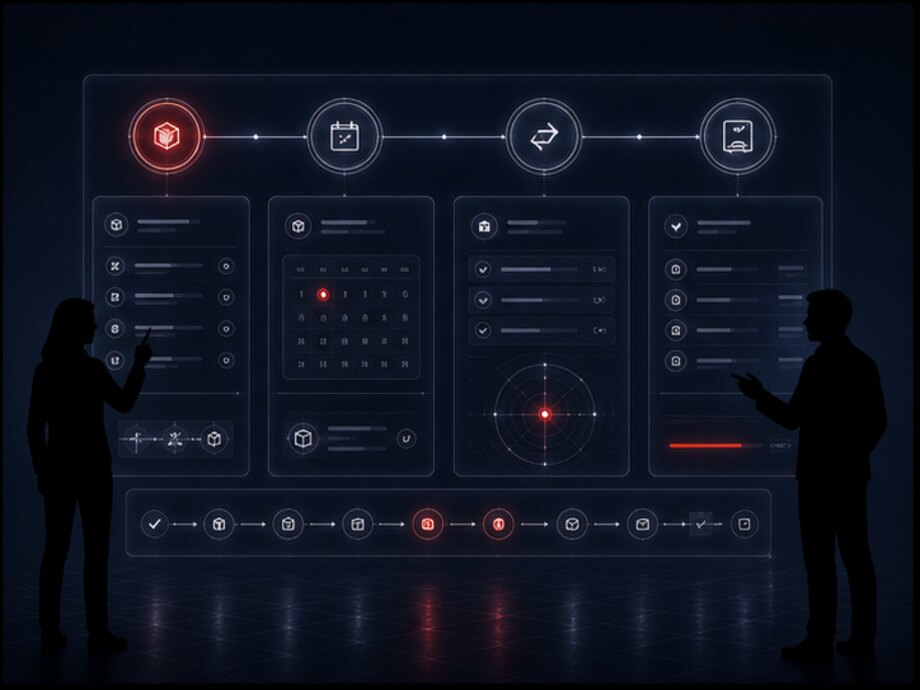
This is the usual situation: warehouse accounting is already kept in an existing system and nobody intends to replace it. The seam is then built as an exchange — logistics receives order readiness and the composition of the items and returns statuses and confirmations.
The scope and frequency of the exchange are determined by what the external system is able to expose. What a specific program can do is clarified during discovery — declaring a ready integration in advance would be making a promise on someone else's product's behalf.
Requests and routes
Cargo and statuses
Operations dashboard
Delivery reporting
Every role has its own workplace and its own set of actions. This is not restriction for its own sake: the less clutter on the screen, the fewer mistakes during a shift and the shorter the training for a new person.
Takes requests from every channel, checks addresses and cargo contents, clarifies anything questionable with the client. Sees the clarification queue and their own requests; does not touch routes or vehicle loading.
Assembles routes, assigns performers, runs the day: moves stops, responds to delays, resolves problem deliveries. The main user of the panel and the principal source of changes during the day.
Marks picking and readiness for dispatch, processes the handover of cargo to the performer and the acceptance of returns. Works with items and labelling rather than with routes.
Receives the route for the shift, marks pickups and deliveries, records the reason when a stop is not closed. Sees only their own tasks for the day and the data needed to carry them out.
The same scenario, but in a mobile interface and with a larger number of short stops per shift. Confirms receipt, attaches a photo or signature, writes a comment about the address.
Looks not at a shift but at a period: delivery volume, the share completed on time, utilization, the list of recurring failures. They do not need operational actions — they need figures they can rely on.
A performer does not need access to the system but a short list of what to do now. That is why their workplace is a separate interface: a mobile app or an adapted web page rather than the same panel the dispatcher uses.
It includes:
An important requirement for such an interface is working on a poor connection. Marks made offline are stored on the device and sent on once a connection appears; resending does not create a second delivery.
A detailed look at the performer's work is the subject of a separate page, For couriers. What matters here is something else: the marks made in this interface are the only source of actual statuses, which is why it is designed first rather than last.
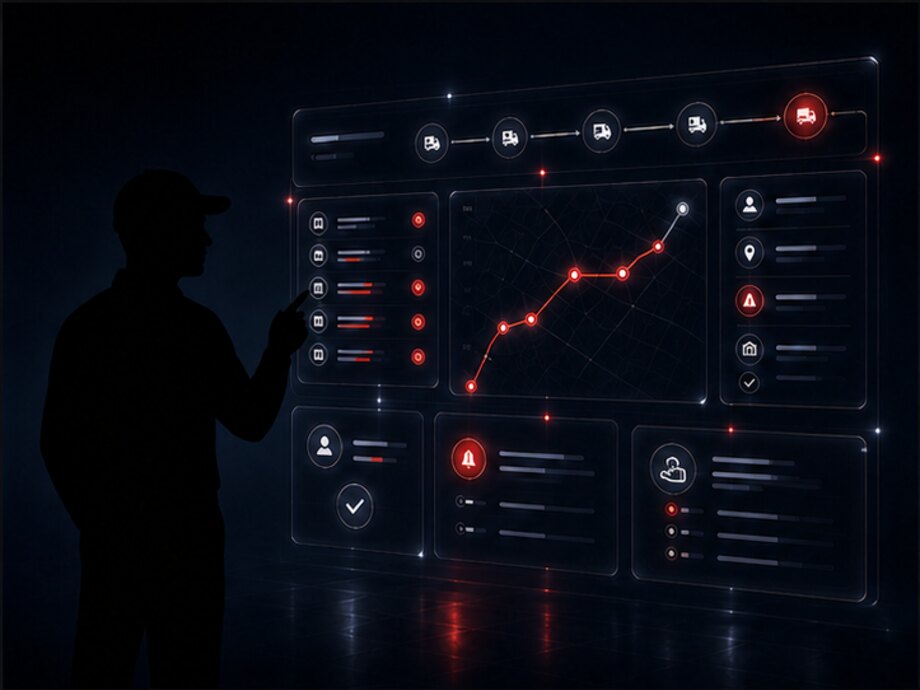
A performer's mark at the moment of the action is not control for its own sake. The actual delivery time, the duration of the stop and the reason for a failure all come from it. Without it, all three are reconstructed from memory at the end of the day — which is to say, not reconstructed at all.
The second effect is the load taken off the dispatcher: while they maintain statuses from what they are told over the phone, half the shift goes on transcribing someone else's work into the system.
A performer works in different conditions: phone in one hand, box in the other, screen in the sun, connection on and off. The dispatcher's panel is not usable in those conditions — what is needed is large elements, a minimum of fields and predictable behavior without a network.
That is why their workplace is designed around the shift rather than around completeness of data: only the current stop and the next one are on screen, and everything else is moved deeper.
Reports only mean something where data enters the system at the moment of the action. If statuses are filled in during the evening as a summary of the day, any report will show a tidy picture that has nothing to do with what actually happened.
What is calculated from the accumulated data:
Indicator definitions are set once and used by every report. Delivered on time must mean the same thing in the dispatcher's report and in the manager's report — otherwise two summaries for the same day will not agree, and both will stop being trusted.
Reports export to a file, can be built on a schedule and can be sent to an external analytics system through the API — the scope of the export is determined by the project.
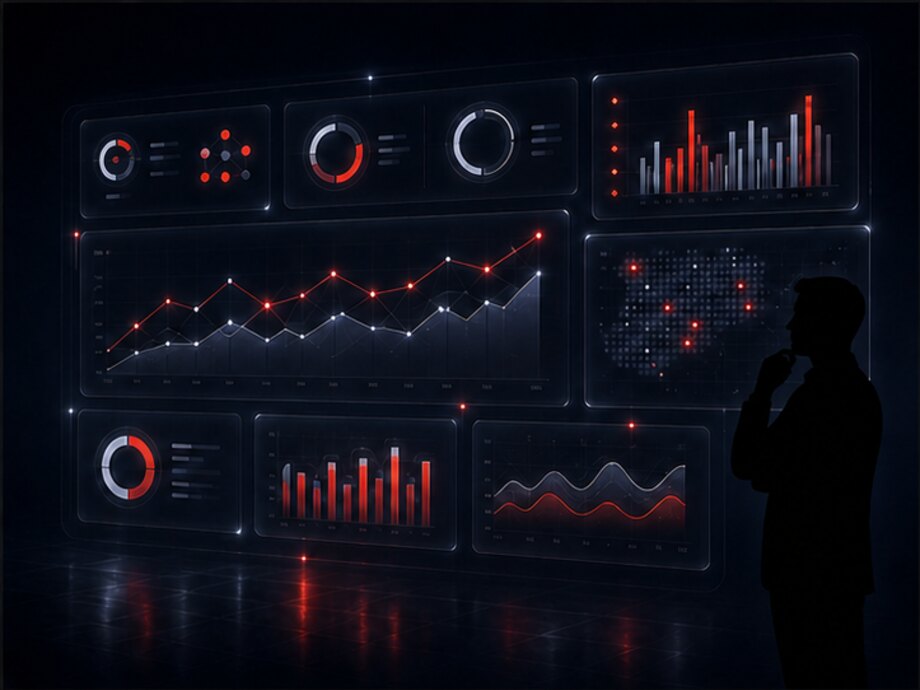
A screen from the system; the figures are illustrative. The second tile matters more than the first: until the make-up of the abnormal completions — cancellations, returns, failed deliveries — has been examined, the total volume says something about workload but nothing about quality of work.
A logistics system rarely stands alone: orders arrive from one program, clients are managed in a second, stock sits in a third. Below are the directions the exchange is most often built along. The specific scope of an integration is determined by what the external system is able to expose and is clarified during discovery.
A placed order can be passed to logistics as a request automatically, and the delivery status can be returned to the customer in their account. How the storefront itself and order tracking are built is covered on the e-commerce page.
An integration with the client directory and the deal history is possible: a request is created from the client card and the delivery result is returned to the manager. The exchange runs on the client identifier so that duplicate counterparties are not created.
It can work together with the company's accounting layer: orders, delivery notes, settlements. The direction of exchange and the set of documents are determined by which set of records is recognized as the primary one.
Order readiness, the composition of items and labelling arrive from the warehouse, while statuses and returns go back. If the warehouse is run in an external program, the seam is built as an exchange — see the section on the link with the warehouse above.
The performer's workplace can be part of the system or a separate application connected through the API: it receives tasks and returns statuses and confirmations. The second option is needed where an application is already in use.
Where payment on receipt applies, an integration with a payment service or the performer's terminal is possible: the amount due comes from the request and the payment result is returned to the delivery. The scope depends on the provider.
Maps and address geocoding, vehicle telematics, notification services, subcontracted carriers. Each such connection is a separate exchange module; the existence of a ready connector is not claimed in advance.
The system's own interface: create a request, get a status and a route, submit a delivery confirmation, pull the operation log. Everything without a dedicated module connects through it.
The exchange rules are the same everywhere: every operation has a key, so resending does not create a second request; discrepancies do not disappear but go into the investigation queue; every message and every response is written to the exchange log. Without those three rules an integration works exactly up to the first dropped connection.
Logistics is not moved into a system all at once in a single day: while employees maintain statuses the old way, the data in the reports means nothing. That is why go-live proceeds in stages, and each one builds on a working predecessor.
How requests arrive today, who plans the routes, what statuses are maintained with, which programs are already in place and what they are able to expose. The outcome is a description of the process and a list of what gets automated first.
One city, one delivery service or one warehouse. Requests, routes, statuses and performers' marks go through the full cycle on real shipments — before the process is rolled out across the whole company.
Who can change what, which exceptions are needed, how a return and a failed delivery are handled, who the notifications go to. Rights and the procedure for manual route changes are configured here as well.
The remaining directions follow the proven pattern, and integrations come as separate exchange modules. From there the history accumulates, and period reports and data for fleet planning appear.
Tell us how many deliveries you make per day, where requests come from, whether you use your own fleet or subcontractors, whether you have a warehouse and which programs your data already sits in. We will tell you what gets automated first, what can be connected to your existing systems and where it makes sense to start the pilot.