
We will review how your warehouse works and tell you what to automate first
How goods receipt runs today, whether there is addressing, what stock is tracked with, how orders are picked and which programs your data already sits in.
While there is not much stock, a warehouse runs on the warehouse worker's memory and a spreadsheet. As volume grows this stops working: the figure in the spreadsheet does not match the shelf, the whole shift hunts for the right box, and the question of why an item is missing is answered with guesses. Warehouse software removes that way of working: every item has a location, every action has a record, and stock is calculated at the moment of the operation rather than at month-end. Below is how it works — from receiving a delivery to dispatching a picked order.
A warehouse management system — software that keeps the warehouse records: it records what arrived at the warehouse, where it was put, how much is left, what has already been picked into an order and what has left. It is often referred to by the abbreviation WMS — that is simply the English name for such software (warehouse management system), and it means exactly the same thing: managing warehouse processes.
The difference is clear from a single example. Without a system the receipt is written in a notebook, the stock figure is in a spreadsheet, and only the person who put the box away knows where it is. To pick an order an employee goes looking for the goods; to answer whether something is in stock a manager calls the warehouse; to work out where twelve units went, the warehouse is stopped and everything is recounted.
In a system all of the same things are records. Goods have a card, the card has a quantity and a storage location, and every operation has a time, an author and a reason. Answering where it is and how much there is takes seconds and does not depend on who is on shift today.
An example. A delivery arrived in the morning: forty boxes on the delivery note. The warehouse worker received it in the system, checked the quantities, found one discrepancy and put the goods away in the locations the system suggested itself. By lunchtime the orders came in — the picker received a task with a list of items and locations and picked them in a single pass, without asking anyone where anything was. By evening the stock figure in the system matched the shelf, because every movement of goods that day had been recorded at the moment it happened.
Warehouse automation begins where the answers to three questions no longer fit in the warehouse worker's head: how much stock there actually is, exactly where it is, and what has happened to it over the past week.
This is the path the goods take, not a list of the program's screens. Two operations cut across it and are covered separately: transfers between zones and stocktaking. They do not move goods towards the customer — they keep the records in line with what is actually on the shelf.
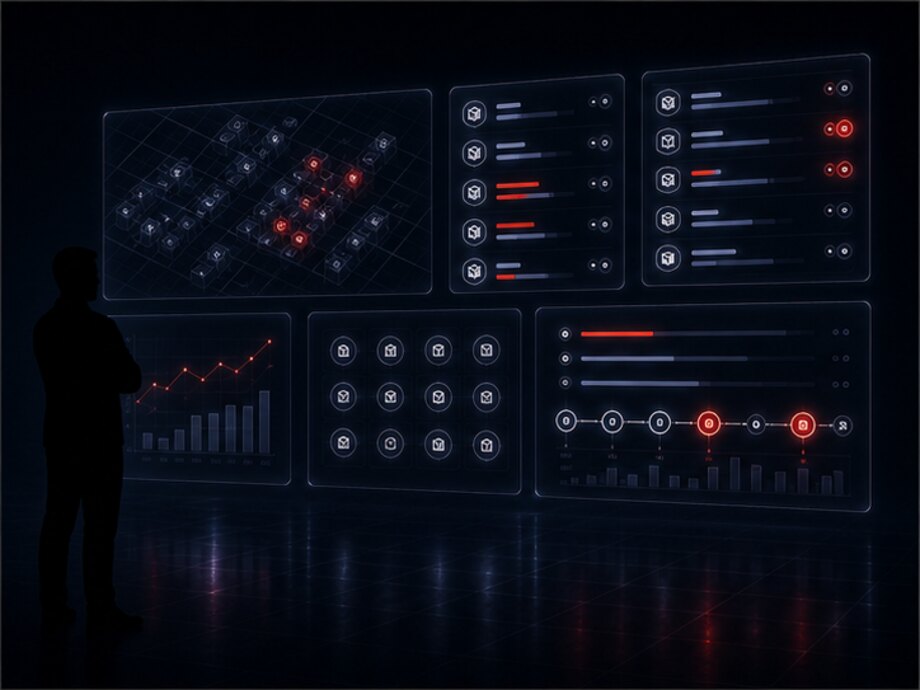
Software does not carry boxes and does not replace the warehouse worker. It removes the manual work around an action: it suggests a location, calculates stock, keeps a task line from being skipped and records every movement. The decision on whether to put goods in an unsuitable zone when the main one is full stays with a person — but it is made on the full picture rather than from memory.
In just the same way, the system does not see the shelf by itself: it knows exactly what employees have recorded in it through an action. That is why the quality of the records depends not on how many features there are but on whether operations are marked at the moment they happen.
Addressing comes first — storage locations are given clear labels and stock is moved onto them. The reason is simple: while goods have no address, every order pick starts with a search and every stocktake turns into recounting the whole warehouse.
What follows is not a feature list but six problems that warehouses get automated for in the first place. Each one is stated the same way: what happens without software and what changes with it.
Without a system, the location of a box is known by the person who put it there. They go on holiday and the whole shift hunts for the goods. In a system every item has an address, and it only changes through an operation: put away, moved, taken. Searching is replaced by a line in a task.
Stock is calculated at the moment of every operation rather than once a month from a recount. A discrepancy between the records and reality does not build up unnoticed until the stocktake: it appears in a report straight away, together with the operation that caused it.
The picker receives a task: what to take, how much and from which address. A new employee picks an order on their very first day, because the route through the warehouse is set by the system rather than by experience. A skipped line does not leave with the order — the task will not close.
What arrived, how much, against which document and who received it — a record at the moment of unloading rather than an evening transcription from the delivery note into a spreadsheet. Shortfalls, misgrading and damage become separate lines with a reason instead of a verbal complaint to the supplier a week later.
Counting can be done for one zone or for one product without stopping the whole warehouse. The system compares fact against records itself and shows only the discrepancies — there is no longer any need to check a thousand lines by hand.
Every operation is signed with an author and a time. This is not surveillance of employees but the ability to investigate a specific case: where three units were lost and at which step. It also shows the workload — how many lines were picked during a shift and by whom.
The system is assembled from modules. Not every warehouse needs all of them: a shop with one back room does not need batch and expiry tracking, while a distribution center cannot manage without replenishment tasks for the picking zone. The composition is determined by the task, but the modules are designed to fit together in advance rather than being bolted on later.
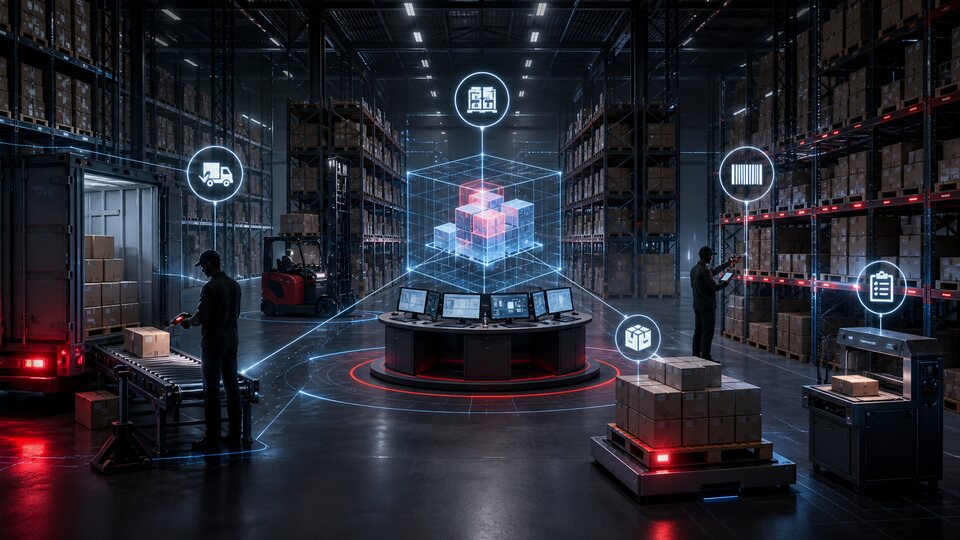
The system's entry point: the delivery, the receipt document, the contents and quantities, the date and time of receiving, the responsible employee. Discrepancies with the delivery note are recorded here too — shortfalls, surpluses, misgrading, damaged items.
A map of the warehouse in the system: zones, racks, levels, bins. Every location has a label, and goods are recorded not as being in the warehouse but at a specific address — with a quantity for each location.
How much there is in total, how much is reserved for orders, how much is available to sell. Stock is recalculated by an operation rather than by hand, and can be broken down to a specific address and batch.
A picking task: what to take, how much, from which addresses and in what order to walk them. Partial picking, item substitution and goods missing from a location are separate cases described in advance.
Internal movement of goods between zones and bins: replenishing the picking zone, consolidating stock, moving defects into quarantine. Every transfer is an operation with a from address and a to address.
Counting the actual quantities and reconciling them with the records: across the whole warehouse, by zone, by product group or by a single address. The result is not everything adds up but a list of discrepancies with quantities and locations.
Verifying a picked order before packing, forming cargo items, documents and passing the order on — to delivery, to a courier or to a customer for collection.
Work is issued to an employee as a task rather than verbally: receive a delivery, put it away, pick an order, move something, count something. Every role has its own set of available actions and its own screen.
The manager's and administrator's workplace: stock, receipts, dispatches, active tasks, problem operations and warehouse workload on one screen. It opens in a browser, with nothing to install.
Confirming an operation by reading a barcode or QR code: of the goods, the packaging, the storage location or the task itself. The implementation option can range from an employee's smartphone to a data collection terminal.
A history of every operation with author and time, reports on stock, movement, goods receipt and dispatch, and employee output. They export to a file and can be built on a schedule.
The system's external interface: get stock levels, create a picking order, submit a dispatch status, pull the operation log. It is how the online store, logistics, CRM and the accounting system connect.
Receiving — the moment goods become the warehouse's responsibility. Before it the supplier or the carrier is responsible for the cargo; after it, the warehouse is. That is why it is processed as an operation rather than a note in a notebook: everything that follows is counted from what is recorded here.
Goods receipt starts from an expected delivery. The system knows what is due to arrive — from the supplier order, from the delivery note or from an external program. The warehouse worker opens the delivery and marks the actual quantity for each item instead of rewriting the document from scratch.
What the system records at goods receipt:
A discrepancy with the document — not an employee's mistake but a normal outcome of receiving that has to be recorded somewhere. A shortfall, a surplus, misgrading and breakage become separate lines with a quantity and a reason. While there is no such line, the difference surfaces a month later at the stocktake — by which point there is no chance of raising it with the supplier.
Goods received with a reservation do not go quietly into general stock: they are held in a separate state until a decision is made. That is the only way to avoid selling from the warehouse something that is in fact sitting in defects.
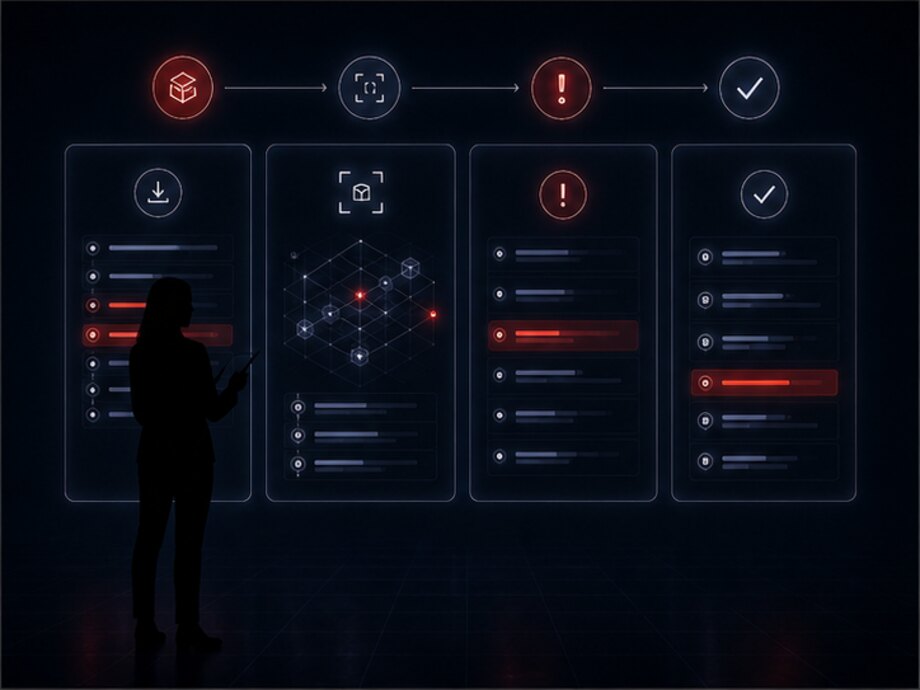
A small receipt is easier to take item by item, a large one by cargo units: first record that twelve pallets arrived, then break them down as they are unloaded. Both modes concern the same document; the only difference is the level at which the employee makes the mark.
This matters in practice: if the system can only do one of them, the warehouse starts bending its work to fit the software — receiving everything on one line and losing the composition of the delivery.
After the quantity is marked the system suggests a location: a free bin in the right zone, an address where the same goods are already stored, or a zone assigned to their group. The selection rules are configured for the warehouse — by turnover, by weight, by temperature regime.
An employee can put the goods somewhere else — but then they record the actual address, and the system remembers that one. It must never quietly diverge from the shelf.
Not when the vehicle has left, but when all the goods have been put away at their addresses and the discrepancies have been resolved. Until then the delivery stays open and the receiving bay shows as occupied in the panel — that is the only way to keep the unloading area from turning into a permanent store of things to be sorted out later.
| Goods | On the document | Received | Discrepancy | Put away | State |
|---|---|---|---|---|---|
| Power cable, 1.5 m | 240 | 240 | — | A-04-2-11 | received |
| Power supply 65 W | 120 | 108 | −12 | A-02-1-04 | shortfall |
| Wall mount | 60 | 60 | — | B-01-3-07 | received |
| Case, black | 40 | 40 | 4 damaged | QUARANTINE-1 | investigation |
| Fasteners, set | 0 | 25 | +25 | B-03-2-02 | surplus |
Four lines out of five are closed, but the delivery is not: until the discrepancies are resolved, the document stays open. The damaged line shows the main rule of goods receipt: damaged stock goes to a separate address and never enters available stock, otherwise it will be sold before anyone gets round to looking into it.
Bin-location storage — a way of keeping records in which the system knows not just the quantity of goods but the specific place they are in: the zone, the rack, the shelf or the bin. Every location is given a label once — an address — and from then on the goods are recorded against that address.
The difference from ordinary stock records is fundamental. 108 power supplies in the warehouse is half an answer: to fetch them you still have to go looking. 108 power supplies: 96 at A-02-1-04 and 12 at B-05-3-01 is a full answer that turns straight into a task for an employee.
What an address looks like. Usually it has several levels: the warehouse zone, the rack number, the level and the position on it. The label is printed and stuck onto the shelf itself — an employee sees the same address on site as in the system.
The zones a warehouse usually consists of:
A zone is not a note in a directory: it is what decides whether the goods enter available stock and whether the system will suggest that address during picking.
Putaway — the operation that links goods to an address. The employee receives a put away what has been received task, walks up to the location and records the address and the quantity. From that moment the goods are available for picking from exactly there.
Put-away rules are configured for the warehouse: fast-moving goods closer to the picking zone, heavy ones on the lower levels, fragile ones not underneath heavy ones, and goods with a limited shelf life arranged so that whatever expires first is picked first. The rules suggest a location but do not forbid putting it elsewhere — they save time rather than tie hands.
One product can sit in several locations at once — that is the norm, not a bookkeeping error. The system stores the quantity for each address separately, so during picking it is immediately clear where it is better to take from and where the stock is running out.
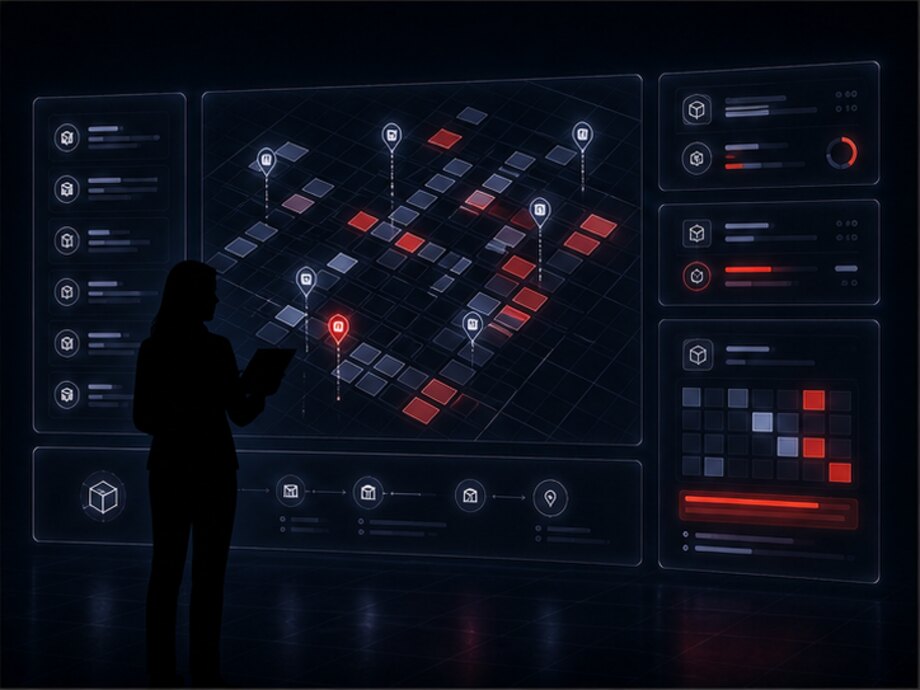
The depth of addressing is chosen once and for the specific warehouse: an extra level lengthens every operation, a missing one brings searching the shelf back. Three levels are usually enough for a small warehouse.
In warehouses with a large number of orders the fast-moving goods are kept in a separate zone next to packing while the main reserve sits further back. Picking then follows a short route, and replenishing the picking zone is a separate task that does not get in the way of picking.
This is not a mandatory scheme: for a warehouse with a few hundred items it would add more work than it saves. Whether it is needed is shown by the number of pick lines per shift, not by the size of the premises.
In a warehouse the word stock means three different quantities at once, and confusing them is the most expensive mistake of all: goods get sold twice or, conversely, are held for an order that was cancelled long ago. The system separates them explicitly.
The physical quantity — what is actually on the shelves, regardless of who it has been promised to. This figure changes only through operations on the goods: receiving, picking, transfer, write-off, recount.
The quantity committed to specific orders. The goods are still physically in the warehouse, but they cannot be sold again. A reservation is released by dispatch or by cancellation of the order — it never disappears on its own.
The difference between the first and the second is what can be promised to a new customer right now. That is the figure worth passing to the online store, not the total.
How the stock figure arrived at its current value: every operation with a date, an author, a quantity and an address. Any disputed case is reconstructed from that chain, not just the final number.
| Goods | Total | Reserved | Available | Storage addresses | State |
|---|---|---|---|---|---|
| Power cable, 1.5 m | 240 | 36 | 204 | A-04-2-11 | normal |
| Power supply 65 W | 108 | 96 | 12 | A-02-1-04, B-05-3-01 | running out |
| Wall mount | 60 | 0 | 60 | B-01-3-07 | normal |
| Case, black | 44 | 8 | 32 | C-02-1-09, QUARANTINE-1 | 4 under investigation |
| Fasteners, set | 25 | 25 | 0 | B-03-2-02 | all reserved |
The last line explains why three columns are needed instead of one: physically the goods are in the warehouse, but they cannot be promised to a new customer — they already belong to someone. Send the Total column to the online store and an order will be accepted for something that does not exist.
The system also watches the thresholds: the minimum stock at which it is time to order a delivery, the safety stock for fast-moving items, goods with no movement over a period. These rules are configured per product or per group — in practice a single threshold for the whole product range does not work.
Picking — assembling an order from what is in the warehouse. The order comes from a manager, from the online store or from another company program, and the system turns it into a picking task: a list of what to take and the addresses to take it from.
An employee who receives a task should understand four things without asking colleagues a single question: what to pick, how much, where it is and where to hand over what has been picked. All four are in the task itself, which is why training a new picker takes a shift rather than a month.
The walking order is built by the system from the addresses: the lines follow the movement through the warehouse rather than the order in which the customer placed them. That is the one thing separating a pick in a single pass from a pick where the employee returns to the same zone three times.
Picking is confirmed line by line: this much taken from that address. The stock at that address decreases at the moment of the mark, not at the end of the day — otherwise two pickers will go for the same box.
If the goods are not at the location — that is a separate case described in advance, not a dead end. The system suggests another address with the same goods, and if there is none anywhere the line is flagged as unfulfilled: the order goes out partially picked and the discrepancy goes into investigation together with the address where the goods should have been.
In warehouses with a large number of orders, tasks are batched: several orders in one pass, sorted by customer afterwards. Whether such a mode is needed is decided from the number of pick lines per shift — for a small warehouse it complicates the work without any gain.

A picked order goes through a check: the contents are verified against the list and the quantities against the task lines. In a small warehouse the same employee does this; in a large one it is a separate checker in the packing area.
The step looks unnecessary right up until the first time a we sent you the wrong thing complaint has to be investigated. The check costs minutes; a return and a re-shipment cost a day's work and the customer's trust.
An order can be created by a manager by hand, arrive automatically from the online store or be passed from the company's accounting system through the API. The source differs; the picking task is the same, otherwise some orders would develop their own unspoken processing order.
The reverse flow matters just as much: as soon as an order is picked, the online store and the manager see it without calling the warehouse, and the reserved goods are written off stock by the dispatch rather than by hand.
| № | Goods | Address | Required | Picked | State |
|---|---|---|---|---|---|
| 1 | Power supply 65 W | A-02-1-04 | 4 | 4 | picked |
| 2 | Power cable, 1.5 m | A-04-2-11 | 4 | 4 | picked |
| 3 | Wall mount | B-01-3-07 | 2 | 2 | picked |
| 4 | Fasteners, set | B-03-2-02 | 2 | 0 | in progress |
| 5 | Case, black | C-02-1-09 | 1 | 0 | not at the address |
The lines follow the walking order through zones A → B → C rather than the order in which the customer added items to the basket. The fifth line does not block the order: the picker records that the address is empty, the system looks for the goods at other locations and, if it finds none, puts the line into investigation — together with the address the stock was recorded at.
A transfer — an operation in which goods change storage location but stay in the warehouse. The quantity does not change, the address does. From the outside it looks like a trifle, but it is exactly the undeclared rearrangements that most often destroy the records: the stock figure adds up while the shelf is empty.
Why goods get moved:
How this is recorded. A transfer always has two sides: a from address and a to address, plus the quantity, the time and the employee. While the goods are travelling between zones they are held in an intermediate state — they do not vanish from the records and do not appear at the new location before they get there.
A transfer can be a task — in which case the system builds the list of what needs moving itself, when replenishing the picking zone, for example. Or it can be a free operation: an employee moved the goods and recorded it on the spot. Both options end in the same entry in the log.
A write-off is not a transfer. Goods that leave the warehouse other than in an order — breakage, spoilage, use for internal needs — are processed as a separate operation with a reason and a responsible person. They must not be mixed: a transfer does not change the total quantity, a write-off does, and in a period report those are two fundamentally different lines.

The second and third steps are separate operations, not one. While they are separated, goods on the move are visible as in transfer: they will not be assigned to a pick from an address they have already left, and nobody will start looking for them where they have not yet arrived.
An unrecorded rearrangement does not change the total quantity, so it is invisible in a stock report. It surfaces later — as a picking task for an address that has long been empty, and as a picker's wasted time.
Cycle counting — counting the actual goods and comparing them with the system's data. The point is not the count itself but the difference: what matters is not that there are 96 units on the shelf but that the system says there are 108.
Without digital records a recount means stopping the warehouse for a day, a paper sheet and totalling everything by hand. With address-level records, counting can be done in parts without stopping work: one zone today, another tomorrow, and separately the group of fast-moving items that go astray most often.
How it works:
The recorded figure is not shown until the actual one is entered — this is not a formality. As soon as an employee sees the expected number, the recount turns into a confirmation: nobody will count to the end, and the discrepancy will roll into next month.
Partial counting is usually more useful than a full one. Fast-moving items are counted weekly, rare ones quarterly, and any discrepancy found during picking immediately triggers a recount of that address. This keeps the records in line with the shelf continuously rather than twice a year.
A discrepancy is not a verdict and not a reason to write anything off straight away. First the system shows the address history: receipts, picks, transfers, previous adjustments. Half the cases are explained by an unrecorded rearrangement or a pick marked from the wrong location.
If no explanation is found, the difference is closed by an adjustment with a reason. The reason is mandatory: without it, a quarter later it is impossible to tell whether the warehouse is losing goods or making mistakes in its marks.
The frequency is set by product group rather than for the whole warehouse at once. Expensive and fast-moving items more often, small items less often. The system reminds you when a due date arrives and builds the task itself, so the recount does not depend on whether anyone remembered it.
A separate reason for an unscheduled recount is a change of the employee with material responsibility: the zone is counted at the shift boundary, and from then on the new person is accountable.
| Address | Goods | Per the system | Physical | Difference | What the history showed |
|---|---|---|---|---|---|
| B-01-3-07 | Wall mount | 60 | 60 | — | matches |
| B-03-2-02 | Fasteners, set | 25 | 19 | −6 | A pick was marked from the neighboring address |
| B-05-3-01 | Power supply 65 W | 12 | 12 | — | matches |
| B-05-3-04 | Power cable, 1.5 m | 0 | 6 | +6 | A transfer was carried out without a mark |
| B-02-1-08 | Case, black | 8 | 5 | −3 | no explanation |
Three of the five lines need investigating, and two of them are not lost goods but a missed mark: a minus at one address and a plus at the next add up to zero. Pairs like that are precisely the ones worth examining — they show which step of the process is happening outside the system.
Dispatch is the warehouse's last step and delivery's first. Here the goods physically leave the warehouse and change hands, so the transition is processed as an operation with two sides: the warehouse handed over, the driver or the customer accepted.

The write-off from stock happens at the last step, not the first. While an order is picked but has not left, it is physically in the warehouse — and it must be visible when the dispatch area is counted. Writing it off earlier means creating a discrepancy out of nothing.
| What happened | What the system does | State |
|---|---|---|
| The check found an extra item in the order | Sends the order back for completion; the extra goods are returned to their storage address as a separate operation | investigation |
| One item was short during picking | Leaves the line unfulfilled and shows the order as partially picked: the decision on a partial dispatch is taken by the manager | investigation |
| The order was cancelled before dispatch | Releases the reservation and creates a task to return the picked goods to their storage addresses — it does not dissolve the basket into stock | normal |
| The transport did not arrive for the cargo | Leaves the units in the dispatch area in the ready state without writing the goods off stock, and shows them on a separate list | warning |
| The order came back to the warehouse | Processes a return receipt: the condition of the goods is checked separately, what is fit goes back into stock, what is disputed goes to quarantine | investigation |
The general principle: goods do not disappear or appear without an operation. Every deviation leaves an open record and goes into the investigation queue — that is cheaper than a report with no discrepancies in it because there was nowhere to record them.
From there the order lives in delivery: the route, the performer, statuses at the recipient's end and confirmation of handover. How that works is covered on the logistics software page; the warehouse gets back only what concerns it — the fact of handover, returns and undelivered items with a reason.
Goods receipt and put-away
Bin-location storage
Picking and dispatch
Stock and reporting
The system divides the work between roles: each has its own workplace, its own set of actions and its own tasks. This is not restriction for its own sake — the less clutter on the screen, the fewer mistakes during a shift and the shorter the training for a new person.
Receives deliveries, checks quantities against the document, records discrepancies, puts goods away at their addresses and carries out transfers. Sees the tasks for their own zone and the history of their own operations; other people's orders and company-wide reports are not needed.
Receives picking tasks and closes them line by line: what to take, how much, from which address. Records when goods are not at the location. Works in a short mobile interface — a task screen rather than the full panel.
Checks a picked order before packing, forms the cargo units, processes the handover to transport and the acceptance of returns. In a small warehouse the warehouse worker doubles up in this role — the split is introduced when a separate packing area appears.
Maintains the reference data: products, storage addresses, zones, put-away rules, employee accounts and access rights. Performs the stock adjustments that ordinary roles cannot make — each one with a reason and a signature.
Works with orders and stock rather than with shelves: checks the available quantity, sends orders to picking, tracks readiness and answers the customer without calling the warehouse. Operations on goods are closed to them.
Looks not at an individual operation but at the picture: stock and its movement, receiving and dispatch volumes, active and overdue tasks, discrepancies, employee output and the utilization of storage zones.
A task is the main form of work for every warehouse role. It has an author, a performer, an issue time and a closing time, so at any moment it is clear what is already done, what is in progress and what has been sitting untouched. The history of completed tasks per employee is assembled from the same records — no separate time tracking is needed for that.
Administration panel — the workplace the warehouse is run from. Its job is not to show all the data but to gather onto one screen what needs a decision now and to move the rest deeper.
What the panel shows:
Access permissions separate the panel by role: a warehouse worker sees the tasks for their own zone, a manager sees orders and available stock, a warehouse manager sees the whole warehouse and the reports. Adjusting stock, changing the addressing scheme and editing reference data are separate rights, not one general employee bundle.
The separation is set by role, not by a set of checkboxes for each person. Otherwise within six months a new employee's rights are configured the same as Ivanov's, and nobody can say any more what exactly they have access to.
A screen from the system; the figures are illustrative. The order of the tiles is not accidental: what comes first is not total output but what needs a decision. Storage occupancy comes last — it is the one indicator where the decision is not made today.
The history is not an archive kept just in case but an investigation tool. Records are not edited: a correction is entered as a new operation with a reason. That is why the question of who wrote off six units on Thursday has an answer rather than several versions.
It is usually read from one of three ends: by product — what happened to it; by address — what was put in and taken from that location; by employee — what they did during the shift.
Scanning solves one problem — removing manual entry where it is easiest to make a mistake. An employee does not type the SKU and the address on a keyboard but reads a code: the system works out for itself which goods are in their hands and which shelf they are standing at.
The effect is not speed but reliability. The mark taken from A-02-1-04 is backed by the fact that the employee physically held the scanner to that bin's label. Manual entry provides no such confirmation: the address can be typed from memory while standing in another aisle.
What can be scanned:
The equipment is an implementation option, not a mandatory part of the solution. Scanning can be done with an ordinary smartphone camera, with a scanner attached to a workstation, or with a data collection terminal. What suits a particular warehouse depends on the working conditions, the number of operations per shift and the budget; the choice is made during discovery, and we will not name specific equipment in advance.
At the same time the system must not depend on a scanner: every operation can also be performed by hand — by entering a code or picking from a list. Otherwise a flat terminal battery brings the warehouse to a halt.

Scanning an address starts not with a device but with labels on the racking. They are printed once when the warehouse is laid out, and from then on they live with the shelf. Without that step the scanner only confirms the goods, and the most common error — took it from the wrong location — goes uncaught.
Printing product and cargo unit labels from the system itself is possible — the content and format are determined by the project, because they depend on how suppliers label their goods.
The practical value shows up at stocktaking: where operations were confirmed by scanning, there are noticeably fewer discrepancies, and almost all of them are explained by the history rather than left without a cause. We will not promise a specific percentage for someone else's warehouse — it depends on the product range and on the discipline of the shift.
Wi-Fi in a warehouse is rarely even: deep among the racking and by the gates the signal drops. Marks made offline have to be stored on the device and sent on when the connection returns — otherwise the employee either waits at the shelf or stops recording operations at all, and the records drift.
Resending must not create a second operation: every mark has a key and the system accepts it once. This is the same rule the exchange with external systems runs on.
The order of the scans in picking is not accidental: the address first rules out came to the wrong shelf, and the item code second rules out took the neighboring box with a similar label. Neither step is technically mandatory: any of these operations can also be performed without a scanner, by entering the code by hand.
A warehouse rarely stands alone: orders arrive from one program, clients are managed in a second, bookkeeping runs in a third and delivery in a fourth. Below are the directions the exchange is most often built along. The specific scope of an integration is determined by what the external system is able to expose and is clarified during discovery.
The storefront receives available stock from the warehouse rather than the total, and returns placed orders for picking. How the store itself and order tracking are built is covered on the e-commerce page.
Order readiness, the composition of cargo units, weight and dimensions go out to delivery; the fact of handover, statuses and returns come back. In detail — on the logistics system.
The performer's app can receive picked orders directly and return confirmation that the cargo was collected at the warehouse — the handover is then recorded by two parties rather than one.
An integration with the client directory and the deal history is possible: the manager sees available stock in the client card and order readiness without asking the warehouse.
It can work together with the company's management layer: purchasing, stock planning, cost accounting. The direction of exchange is determined by which set of records is recognized as the primary one.
Exchanging receipt and issue documents with the bookkeeping program. There is one key question here — where the authoritative stock figure is kept; it is settled before work begins, not along the way.
Marketplaces and trading platforms, notification services, label printing, weighing and dimensioning equipment. Every connection is a separate exchange module; the existence of a ready connector is not claimed in advance.
The system's own interface: get stock levels and addresses, create a picking order, check readiness, submit a dispatch, pull the operation log. Everything without a dedicated module connects through it.
The exchange rules are the same everywhere: every operation has a key, so resending does not create a second goods receipt or a second order; discrepancies do not disappear but go into the investigation queue; every message and every response is written to the exchange log. Without those three rules an integration works exactly up to the first dropped connection. This is how the warehouse becomes part of the company's overall digital system rather than one more program whose data has to be copied across by hand.
A warehouse is not moved into a system all at once in a single day: while some operations go on outside the software, the stock figures in it mean nothing. That is why go-live proceeds in stages, and each one builds on a working predecessor.
How goods receipt runs today, whether there is addressing, what stock is tracked with, how orders are picked, which programs are already in place and what they are able to expose. The outcome is a description of the process and a list of what gets automated first.
Laying out the zones and storage locations, printing labels, tidying up the product range and moving stock onto addresses. The most underrated stage: without it all the others run empty.
One zone or one product group goes through the full cycle on real work: goods receipt, put-away, picking, transfer, counting, dispatch — before the process is rolled out across the whole warehouse.
The remaining zones follow the proven pattern, then roles and rights, then integrations as separate exchange modules. From there the history accumulates, and period reports and data for purchasing planning appear.
Tell us how many items you store and how many orders go out per day, whether locations are addressed, what stock is currently tracked with, and which programs hold your orders and documents. We will tell you what gets automated first, what can be connected to your existing systems and where it makes sense to start the pilot.