
We will review your location network and propose an architecture
Equipment, collection workflows, payments and accounting-system exchange mapped out before development begins.
Software for unattended retail and automated product collection across parcel locker compartments, vending machines and micro market displays. Below are the system modules, the processes they cover, and their connections to online stores, delivery services, CRM, ERP and warehouse systems.
Unattended retail — the sale and collection of goods at a location with no staff present. Customers use the equipment themselves, while software controls product availability, pricing, payment and dispensing.
A parcel locker, vending machine and micro market are three versions of the same challenge. Their physical mechanisms differ: an electronically locked compartment, a spiral or elevator inside a machine, or open displays and refrigerators. Their operational records are the same: product, price, inventory by location, order, payment and equipment event.
That is why all three are covered on one page. Parcel locker, vending and micro market software is built from the same modules; only the connected devices and dispensing workflow differ.
Six reasons businesses implement unattended retail software. Without it, each task requires a site visit, a spreadsheet and a phone call.

Products, prices and planograms are managed centrally and distributed to every location. An airport vending machine and an office micro market use the same source of record, not separate files.
Customers select, pay for and collect products themselves around the clock. People are needed for replenishment, cash collection and fault resolution, not for every sale.
Inventory is reduced when the dispensing mechanism activates or a compartment opens. Replenishment routes are based on actual inventory, not last week's figures.
Prices change according to rules for a location, group of locations or schedule. Repricing a network of one hundred machines does not require a visit to every device.
Sales, payments, replenishments and write-offs reach the accounting system without re-entry. Reconciliation is no longer a separate month-end task.
Operators can see what sells at each location, which compartments sit idle, how long equipment was unavailable and why.
A parcel locker — a cabinet with compartments of different sizes that lets recipients collect orders without staff. Parcel locker software determines which compartment should hold a parcel, who may open it and with which code, and what happens when an order is not collected.
A compartment is an operational record with its own status and history, not just a door. One locker can therefore handle successive orders, and the availability of every compartment is known before the courier arrives.
What parcel locker software does:

Courier deposit is a scanning workflow just like collection: the parcel label is scanned, the locker opens a suitable compartment, and closing the door confirms the deposit. From that moment, the parcel locker—not the courier—is responsible for the order.
The collection code belongs to the order, not the individual. It can be forwarded to another recipient, revoked and reissued. Every code transfer is recorded in the order history with its time and delivery method.
One locker handles dozens of orders a day; a network handles thousands. The difference lies not in collection itself, but in everything around it: who deposits orders, who maintains the lockers and where orders originate.
A device registry stores each address, compartment-size configuration, access schedule, software version and maintenance owner. Settings and updates are deployed to terminals remotely.
The store receives a list of parcel lockers with their addresses, opening hours and size limits, sends an order, and receives status updates: deposited, collected, expired or returned.
API exchange with carriers covers locker assignment, shipment number, deposit confirmation, removal of uncollected orders and collection of returns along the route.
The system monitors locks and door sensors, scanner and display operation, the payment module, power and connectivity. A failed compartment is blocked for new deposits instead of being discovered on arrival.
Operators can see how many compartments of each size are occupied now and how many will be occupied by evening based on storage periods. The dispatcher knows which locker can no longer accept delivery assignments.
Compartment turnover, average time from deposit to collection, uncollected-order rate, occupancy by hour and day, and distribution by compartment size.
A locker component, not a separate device: display, code scanner, card reader, contactless module and fiscal storage module. It accepts payment for cash-on-delivery orders, storage beyond the included period and items paid for at collection.
Cards, contactless payments, QR and instant payment systems, plus in-app payment. Each payment is linked to an order and compartment; its status—authorized, captured or refunded—is stored with the collection history and reconciled daily against the provider's register.
One-time codes have expiry times and attempt limits, and code reissues are rate-limited. The system checks that payment matches the compartment opening. Repeated failed entries, opening without payment and unusual activity by one recipient enter a review queue.
The terminal software, lock controller, server communication protocol and locker installation system are our own software and engineering work. This lets us configure compartments for the location and add new payment methods or collection workflows on the device instead of being limited by a third-party module.
A vending machine sells a product through a short flow: selection, payment and dispensing. Vending machine software controls what the machine stocks, the price of each item, and what happens when the dispensing mechanism or payment fails.
The machine operates autonomously: sales continue without a server connection, and transactions are delivered when connectivity returns. Vending software therefore exchanges events rather than acting as a remote control.
What vending software does:

A failed dispense is a standard event, not an exception: a spiral turns without releasing an item, a product jams or a slot is empty. The machine reports it immediately, the card payment is reversed without requiring a customer request, and the product is flagged for inspection on the next route.
Planograms are versioned. Changing the assortment at a site creates a new version with an effective date instead of overwriting fields, so sales before and after the change remain comparable.
A vending machine is unattended, so any malfunction causes downtime until the next visit. Telemetry shortens that interval by letting the device report its own condition.
The machine transmits sales, inventory by slot, mechanism errors, temperature, payment module status and door-opening events. Events are sent in batches and are not lost when connectivity fails.
Online, idle, dispensing error, jammed bill acceptor, insufficient change or refrigeration failure. Each status has its own priority and recipient.
An event becomes an assigned task with a deadline, not a message in a group chat. Closing the task requires an on-site check-in and is recorded in the device history.
A telemetry module communicates with machine controllers over MDB and EVA-DTS. A mixed fleet connects to one dashboard without replacing existing equipment.
On-device software is updated remotely in groups: first a few machines, then the network. A failed update rolls back to the previous version.
Uptime percentage, failures per machine, time from fault to recovery, and sales lost during downtime.
The payment module connects to the machine controller over MDB and operates as an independent unit: card reader, contactless module, QR scanner, bill and coin acceptors with coin-float tracking, and fiscal storage module. The terminal maintains its own transaction queue.
Cards, contactless payments, QR and instant payment systems. The amount is authorized before the mechanism runs and captured after a confirmed dispense; every transaction is reconciled with the dispense event, while cash is reconciled against collection statements and machine counters.
The system flags mismatches between payments and dispenses, repeated transactions on one card within a short period, abnormal cancellation and refund rates, cabinet tampering and doors opened outside a scheduled route. Metrics are calculated per device, so a problematic machine stands out from the network.
The telemetry module, MDB and EVA-DTS drivers, on-device software and payment stack are our own software and engineering work. A mixed fleet connects to one dashboard without equipment replacement, while support for a new protocol or payment method can be added within the module.
A micro market — a small retail location with open displays and refrigerators in a controlled environment such as an office, factory, residence hall or coworking space. Customers can physically access the products; there is no cashier, and payment is made at a terminal or in an app.
The key difference from a vending machine is that no mechanism restricts access to the products. That is why micro market software centers on inventory control and reconciliation rather than dispensing: the difference between sales and physical inventory is an operating metric for the location.
Control at such a location comes from three independent sources: computer vision over the displays, electronic locks with an opening log, and the payment terminal. Matching data is normal; a mismatch is an operational event linked to a specific customer session.
What the system does:

Replenishing a micro market creates a goods-receipt document; it is not simply a matter of putting more items on the shelf. Products, batches and expiry dates are recorded during stocking, so expired inventory is written off automatically.
The assortment is selected from location data. A controlled environment has a stable customer base, and an item with no sales for two weeks occupies space that a faster seller could use.
A single location can run from a spreadsheet. A network needs one product master, shared pricing and one place to see every discrepancy.
Each location is a record with its own address, equipment, assortment, prices and replenishment schedule. Changes apply to one location, a group or the entire network.
Network operators, route merchandisers, accountants and site representatives see different sections. Write-offs and inventory adjustments require separate permissions.
Customers in the controlled environment, corporate allowances, support requests and assortment feedback. Segments drive personalized pricing and offers.
Product master, purchase prices, sales documents and settlement with sites and suppliers. The accounting system—not the location—owns the master data.
Replenishment requests, dispatch to a route, and receipt of returns and expired products. Location and warehouse inventory are managed within one system.
Provider connections, fiscal receipt generation, refunds for failed purchases, and daily reconciliation against provider records and bank statements.
The self-service station at a location includes a barcode scanner, display, card reader, contactless module, fiscal storage module and, for products sold by weight, a scale module. The terminal is where a purchase becomes paid, so its health is monitored alongside the refrigeration equipment.
Cards, contactless payments, QR, in-app payment, corporate accounts and employee allowances. Each purchase is stored with its receipt items, location and time, while daily reconciliation matches provider transactions, fiscal documents and inventory deductions.
Computer vision and electronic locks record what leaves the location; the payment system records what was paid for. Control focuses on mismatches between these two streams: unpaid items, unusual account behavior and abnormal write-off rates at a location are investigated through the opening event.
The terminal and location software, electronic lock controllers, video-stream processing and fraud-control rules are our own software and engineering work. Equipment can therefore be selected for the premises and assortment: an open display, a locked refrigerator or an access-controlled cabinet all operate within the same inventory system.
A parcel locker, vending machine and micro market are locations within one system, not three separate products. Each uses the same set of components: on-site hardware and software, a payment terminal, a backend platform, an administration panel, customer and operator apps, analytics, reporting, fraud prevention and integrated logistics. Below is a breakdown of each component and its role.
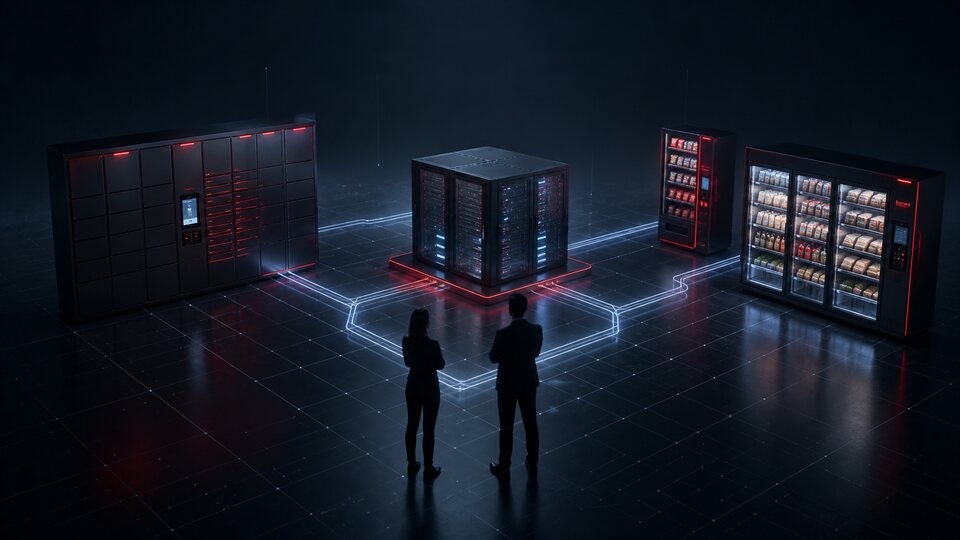
A location combines equipment with on-device software: a lock or dispensing-mechanism controller, scanner, display, payment module, door sensors and temperature sensors. It operates autonomously and continues serving customers if the server connection is lost.
Parcel locker cabinets with different compartment sizes, vending machines with spirals and elevators, micro market displays and refrigerators, electronic locks, scanners, scales and computer-vision cameras. Each asset has a registry record with its configuration and service history.
Payment acceptance across all three location types: card reader and contactless module, PIN pad, QR scanner and fiscal storage module; vending machines also include bill and coin acceptors. The terminal keeps its own transaction queue, so payments continue when connectivity fails.
Event ingestion from locations, the operational data core, message queues, and task and report schedulers. It scales with the number of locations and includes immutable transaction logs plus backups with scheduled recovery testing.
The network operator's workspace: locations on a map, equipment health, inventory, prices and planograms, tasks and faults, roles and permissions, plus an audit log of employee actions and service openings.
Device and key registration, remote configuration, staged software updates with rollback, component restarts and access revocation. The status and version of every device are known centrally.
Products and barcodes, batches and expiry dates, prices and pricing rules, inventory by location and compartment, orders, sales and transactions. One source of record serves the entire network regardless of equipment type.
One event stream from every location: sales and dispenses, mechanism errors, door openings, display temperatures, payment module status and connectivity. During an outage, events queue on the device and are sent in a batch; any abnormal condition becomes an assigned, time-bound task instead of a line in a log.
Location map and opening hours, collection codes, payment and corporate allowance, purchase history and digital receipts, return creation, and notifications for order readiness and storage deadlines.
Shift route, scan-based replenishment, stocktakes, cash collection, reason-and-photo write-offs, and completion of technical tasks. It works offline: operations queue locally and are submitted when connectivity returns.
Sales, margin, turnover, downtime, losses and unmet demand by period, location, site, equipment type, product, category, payment method and route assignee.
Scheduled reports and exports: revenue by location and legal entity, cash collection statements, write-off records, reconciliation with payment providers and banks, and data for the accounting system. Schedules and recipients are configurable.
Transaction rules and limits, behavioral signals, matching payment events to dispensing or door openings, blocklists, and a queue of suspicious operations for session-level manual review.
A documented API, webhooks and message queues for online stores, delivery services, CRM, ERP, warehouse, online fiscal systems and payment services. Format versioning, receiver idempotency and an exchange log.
Product allocation across locations, route management, inventory control, replenishment planning and centralized network management—in the same system that records sales, not in a separate spreadsheet.
In this architecture, the payment terminal is not a peripheral but a core component: it completes the sale at all three location types and is the only place where a purchase becomes paid. The terminal software, server communication protocol, equipment-controller interfaces and installation kit are our own software and engineering work, so payment methods, authorization rules and offline behavior can be tailored to the network.
Logistics in unattended retail — the movement of products between a warehouse and dozens of locations, each selling at a different rate. The module is built into the system that records sales and inventory, so decisions use location data rather than a logistics planner's separate file.
What the module covers:
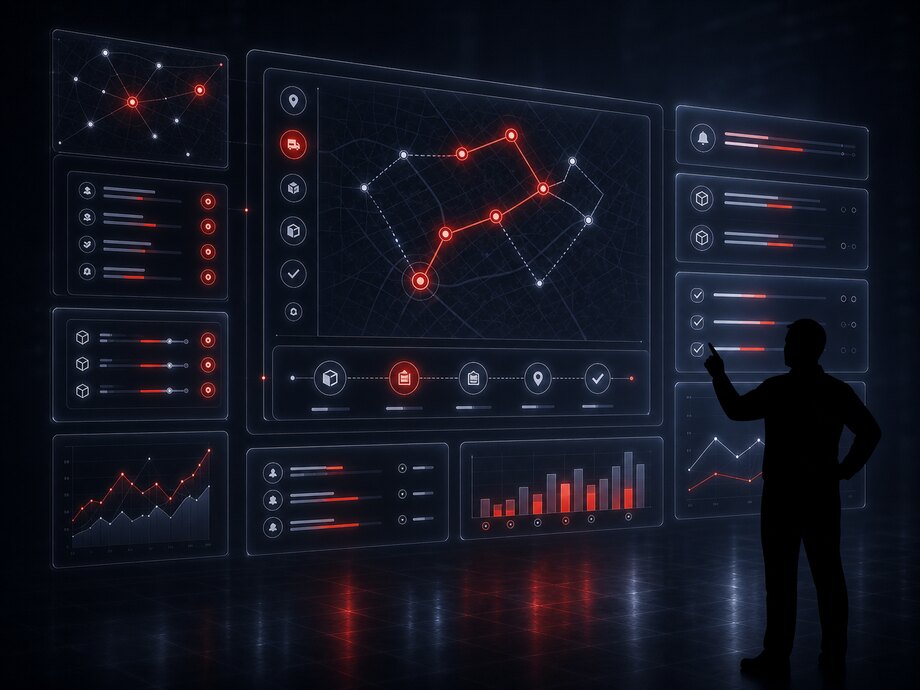
A route is a shift task list, not a fixed timetable. It includes locations below their inventory threshold, locations with open faults, locations with expiring batches and scheduled visits required by site agreements. Stop order accounts for geography and access windows: a 6 a.m. warehouse visit and a business center that opens at 9 a.m. are not placed in the same time block.
The load is calculated before departure, so field staff receive exactly what has been allocated to locations on the route. Stock still on hand after the shift is an operational record just like stock at a location: it either returns to the warehouse through a document or carries over to the next route.
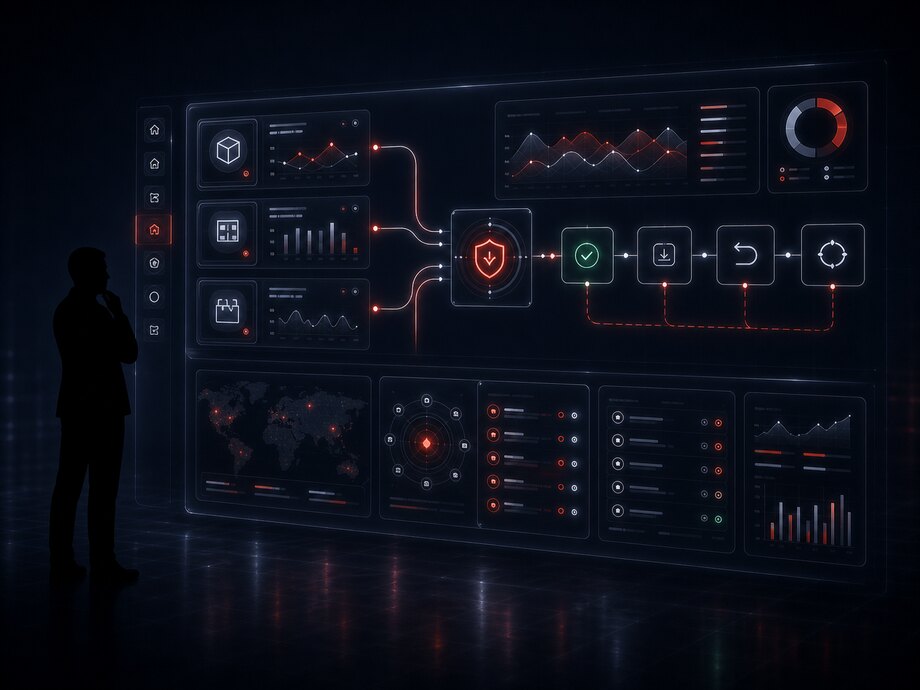
A location neither stores card data nor processes payments itself. It sends the operation to a payment module or provider, receives the result and links it to the sale. Everything else is payment lifecycle management in an unattended environment.
| Location | Operation | Amount | Status |
|---|---|---|---|
| Machine A-207 | Hold before dispense | 145 | Authorized |
| Machine A-112 | Captured after dispense | 210 | Completed |
| Machine A-118 | Spiral failed | 160 | Hold released |
| Parcel locker P-14 | Payment on collection | 1 280 | Completed |
| Micro market BC-3 | Corporate allowance | 320 | Completed |
| Parcel locker P-31 | Extended storage | 150 | Retry |
The mechanism failed, so the hold was released without a refund transaction and the product was flagged for inspection on the next route. Replaying the event with the same operation key does not create a second record.
Three sources are reconciled: provider transactions, fiscal documents and equipment dispensing events. Vending-machine cash is reconciled separately against cash collection statements and device counters.
Bank cards and contactless terminal payments, QR and instant payment systems, in-app payment, employee corporate allowances, and cash with change in vending machines.
The amount is held before the mechanism runs and captured after a confirmed dispense. If the product is not dispensed, the hold is released without a refund transaction.
Offline mode accepts payment under the payment module's rules and submits the transaction when connectivity returns. A network outage does not stop sales.
Resubmitting a transaction does not create a second payment or deduct inventory twice. The server and provider recognize duplicates by operation key.
After payment, a fiscal receipt is generated and sent to the customer by email or message. If dispensing fails, a refund receipt is generated for the undelivered items.
Daily matching of transactions to provider records and bank statements, a cash statement for each machine, and a separate review list for discrepancies.
The payment terminal is shared by all three location types and is one of the system's core components. Network revenue passes through it, and a terminal failure stops sales even when the rest of the equipment works. The terminal is therefore registered like the location itself: its software version, available payment methods, fiscal storage status and latest reconciliation result are visible in the administration panel.
Available inventory in unattended retail is tied to a place rather than a warehouse: a vending slot, display shelf or refrigerator zone. The same product at two network locations has two independent inventory figures and two different sales rates.
Calculated inventory = loaded during replenishment − sold − written off (expiry, damage or failed dispense). A route stocktake establishes the physical count, and the difference between the two is a measurable location metric.
Data exchange methods:
Equipment is spread across different buildings and districts, while several mobile staff members service it. Operations are not simply a round of site visits; they are a queue of assigned, time-bound tasks with on-site confirmation.
The network operator works in the operations dashboard, with locations on a map, equipment health, inventory, faults and shift tasks. Merchandisers and technicians work in a mobile app with the same records, limited to their own routes.
What happens during a shift:

Compartments and dispensing
Products and sales
Payments
Telemetry and analytics
Integration — an agreed data exchange with an external system: what is transferred, in which format, how often, who owns the data and what happens when something fails.
The key decision is data ownership. Product master and purchase prices come from ERP, customers and segments from CRM, warehouse inventory from the warehouse system, while sales and equipment events originate at each location. Allowing the same field to be edited in two systems creates permanent discrepancies, so it is avoided.
Systems commonly connected:

Exchange is asynchronous: a sale at a location does not wait for an external system. The message enters a queue, retries with increasing intervals after failures, and moves to a review queue if every attempt fails.
Every message is stored with its payload, time, result and attempt count, so incident investigation relies on the exchange log rather than memory.
Analytics uses the system's own sales and equipment data rather than external counters. A counter knows about visits; the system knows about revenue, products, downtime and losses.
Reports can be broken down by period, location, site, equipment type, product, category, payment method and route assignee. Every metric is available across each dimension and can be exported to a file or data warehouse.

The equipment stands in public locations and operates without supervision. Security therefore rests on three principles: payment data never enters the system, each device proves its identity, and every action involving money or compartments leaves an audit trail.
A certified payment module reads the card, and the card number never enters the system. Recurring charges and corporate allowances use a token, not stored card data.
Each location communicates with the server over an encrypted channel using its own key. Revoking one key disconnects that device without affecting the rest of the network.
QR and PIN codes are single-use, with limited lifetimes and entry attempts. A redeemed code cannot reopen a compartment.
Role-based access means a merchandiser cannot change prices and a technician cannot view revenue. Opening a compartment with service access requires a separate permission and a stated reason.
The log records who opened a compartment, changed a planogram, wrote off inventory or completed cash collection. Records are immutable and stored separately from operational data.
The system stores only the recipient data it needs, with defined retention periods, deletion on request, and dated, sourced consent for processing and notifications.
Recovery is a separate discipline. Backups are useless until restoration has been tested: a test deployment runs on a schedule, not for the first time during an incident.
The system is assembled from modules, each responsible for a defined set of data and operations with explicit connections between them. Delivery is phased: first locations, products and payments, followed by telemetry, routes and analytics.
Parcel lockers, vending machines and micro markets: address, site, configuration, operating hours, software version, responsible owner and lease terms.
Locker map by compartment size, automatic size selection, statuses and storage periods, failed-compartment blocking and opening log.
Courier deposits, QR and PIN codes, code reissue and revocation, collection confirmation and removal of uncollected orders.
Return request, reverse-deposit code, door-closing confirmation, warehouse receipt and customer refund.
Shared product master, barcodes, product assignment to a compartment, spiral or display zone, and versioned planograms with effective dates.
Prices by location, location group and schedule, corporate and personalized terms, rounding, taxes and change history.
One sales queue from every location, dispensing outcome, failed operations, receipts, cancellations and refunds.
Payment provider and module connections, authorization and capture, cashless payments and cash, refunds and reconciliation.
Sales and return receipts, online POS exchange, receipt delivery to the customer and monitoring of unsent documents.
Inventory by compartment and zone, batches and expiry dates, replenishment requests, route dispatches, write-offs and expired stock.
Phone-based stocktakes at each location, discrepancies with reasons, count history, and losses by value, location and product.
Route building from inventory and faults, staff assignment, scan-based operation confirmation and carryover of unfinished work.
Statements by machine, reconciliation of cash against device transactions, coin float and transfer of revenue to the cash office.
Equipment event ingestion, offline queues, MDB and EVA-DTS protocols, and device status history.
Real-time location status, thresholds and alerts, resolution tasks and time to service restoration.
Updates to prices, planograms, on-screen copy and operating mode, plus staged on-device software deployments with rollback.
Temperature logs for refrigerated displays, thresholds and alerts, and batch inspection flags after an excursion.
Accounts, corporate billing and employee allowances, customer app, purchase history and digital receipts.
Collection codes, storage-period reminders, receipts and return statuses by email, SMS and messenger, with a delivery log.
Sales, margin, turnover, downtime, losses and unmet demand across custom dimensions, exports and data marts.
Exchange with online stores, delivery services, CRM, ERP, warehouse, fiscal and payment services. API, webhooks and queues.
Roles and permissions by section and operation, two-factor authentication, and audit logs for employee actions and service openings.
Parcel lockers, vending machines and micro markets in one system, with multiple legal entities and sites, regions, currencies and on-device interface languages.
On-device software, merchandiser and technician app, and the network operator's operations dashboard—all on one data core.
The entire system is not launched in one release. The sequence below reflects dependencies: every step relies on data created by the previous one.
Equipment fleet, connection protocols, and current replenishment and accounting processes. The result is an entity model and integration map.
Device registry, product master, planograms, prices and inventory. A pilot at several locations validates the system against real data.
Payment modules, fiscal receipts, collection codes and returns. Launch across part of the network with daily transaction reconciliation.
Telemetry, routes and stocktakes, accounting integrations and analytics. Each area is a separate release with measured results.
Tell us what is already in place: equipment fleet, accounting system, warehouse and payment provider. We will review the process and propose a solution architecture.